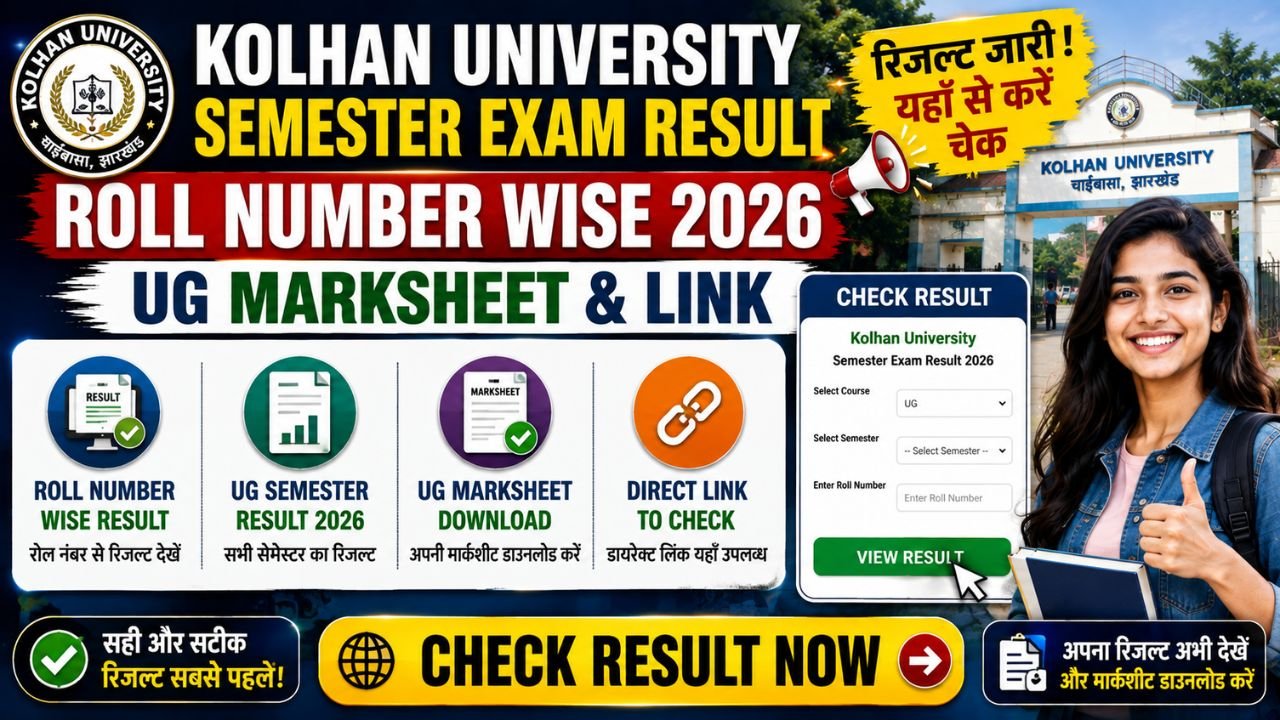
Kolhan University (KU), Chaibasa has officially published the Kolhan University result for various Undergraduate (BA, B.Sc, B.Com) and Postgraduate (MA, M.Sc, M.Com) semester examinations. Students who appeared in the Regular and Backlog examinations can check their Kolhan university semester exam result roll number wise through the official university results portal at kolhanuniversity.ac.in and kuuniv.in.
This guide provides direct links, step-by-step instructions to download your Kolhan University result Marksheet, semester-wise result updates, and guidelines for re-evaluation.
Overview of Kolhan University Semester Exam Result 2026
The table below outlines key details regarding the examination and marksheets released by Kolhan University:
| University Field | Official Information |
| University Name | Kolhan University (KU), Chaibasa |
| Course Types | Undergraduate (UG) & Postgraduate (PG) |
| Semesters Covered | UG Semesters 1, 2, 3, 4, 5, and 6 |
| Academic Session | 2025–2026 |
| Result Mode | Online Roll Number Wise & College-Wise PDF |
| Credentials Required | Exam Roll Number & Registration Year |
| Official Result Websites | kolhanuniversity.ac.in | kuuniv.in |
Important Dates for Kolhan University UG Semester Results
Use the direct links in the table below to access your respective semester scorecard without navigating through multiple pages:
| Examination | Declaration Status | Direct Result / Marksheet Link |
| UG Semester 1 (FYUGP NEP / CBCS) | Declared | Check UG Sem 1 Result |
| UG Semester 2 (BA / B.Sc / B.Com) | Declared | Check UG Sem 2 Result |
| UG Semester 3 (BA / B.Sc / B.Com) | Declared | Check UG Sem 3 Result |
| UG Semester 4 & Semester 5 | Declared | Check UG Sem 4 & 5 Result |
| UG Semester 6 (Final Year) | Declared | Download 6th Sem Marksheet |
| PG & Professional Courses (B.Ed / LLB) | Declared | Check PG / B.Ed Result |
How to Check Kolhan University Result Roll Number Wise
Follow these simple steps to view your marks and download the online provisional marksheet:
- Visit the official examination portal of Kolhan University at
kuuniv.inorkolhanuniversity.ac.in. - Navigate to the top navigation bar and click on the Results or Examination Results tab.
- Select your respective program: UG Regular, UG Vocational, or PG.
- Choose your specific examination stream and semester (e.g., UG Semester 1, 2, 3, or 6).
- Enter your Exam Roll Number as mentioned on your admit card.
- Click the Search Result or Submit button.
- Your detailed scorecard displaying subject-wise marks, credit points, and SGPA/CGPA will appear on the screen.
- Click Print / Download Marksheet to save a PDF copy for future academic use.
Semester-Wise Result Breakdown & Direct Links
Kolhan University Result UG Semester 1 & 1st Semester Marksheet
Students enrolled in 4-year undergraduate programs under the National Education Policy (NEP) can check their Kolhan University result UG semester 1 marks online. To obtain the Kolhan University result marksheet 1st Semester, select your stream (Arts, Science, or Commerce) and enter your 12-digit university roll number.
Kolhan University Result UG Semester 2 & Semester 3
The university releases stream-wise PDF result gazettes along with individual scorecards for intermediate semesters. Candidates checking their Kolhan University result UG semester 2 and Kolhan University Result UG Semester 3 can verify their total cleared papers, backlogs (if any), and practical marks.
Kolhan University Result Marksheet 6th Semester (Final Year)
For final-year graduating students, downloading the Kolhan University result Marksheet 6th semester is essential for admission into postgraduate courses and competitive job applications. The 6th-semester marksheet reflects the cumulative CGPA calculated across all six semesters.
Details Mentioned on Kolhan University Online Marksheet
Once your online scorecard opens, verify the following credentials for accuracy:
- Student’s Name and Father’s Name
- University Roll Number & Registration Number
- College Code & College Name
- Name of the Program (BA / B.Sc / B.Com / Vocational)
- Subject-wise Marks (Theory, Internal, and Practical)
- Total Marks Obtained & Credit Points
- SGPA (Semester Grade Point Average) / CGPA
- Overall Result Status (Passed / Promoted / Fail)
Re-Evaluation and Scrutiny Process
Students who are not satisfied with their marks in any theory paper can apply for scrutiny or re-evaluation within 15 days of result publication:
- Obtain the Scrutiny Application Form from your college counter or download it from
kolhanuniversity.ac.in. - Pay the prescribed scrutiny fee per subject (payable via SBI Collect online or Demand Draft as specified by the university).
- Submit the form along with a copy of the online marksheet to your college examination section before the deadline.
Frequently Asked Questions (FAQs)
1. How can I check my Kolhan university semester exam result roll number wise?
You can check your result by visiting kuuniv.in, selecting the Results section, choosing your course/semester, and entering your official Examination Roll Number.
2. Where can I download the Kolhan University result Marksheet 6th semester?
The 6th-semester final marksheet can be downloaded directly from the official result portal kuuniv.in under the UG Final Year Results tab.
3. What should I do if the Kolhan University result page displays “Result Withheld”?
If your result is withheld, it is usually due to pending internal assessment marks or registration discrepancies. Submit a copy of your admit card and registration slip to your college administration to get it cleared.
4. Is the online downloaded Kolhan University result Marksheet valid for admission?
Yes, the online provisional marksheet is valid for temporary admission to higher studies until the original physical degree/marksheet is issued by your college.